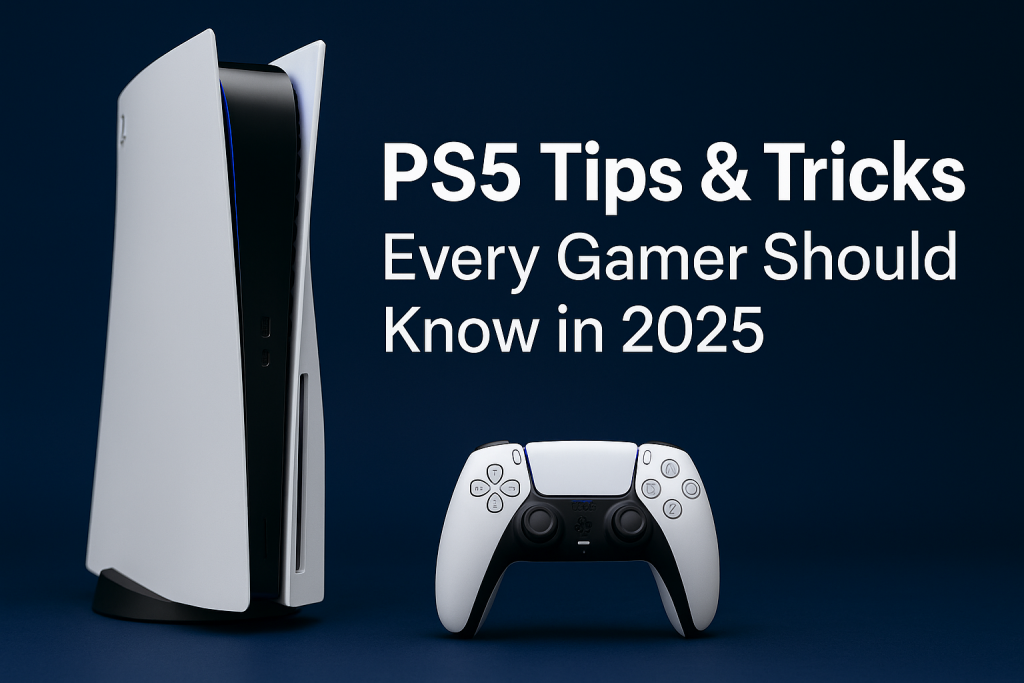
The PlayStation 5 isn’t just about stunning graphics and lightning-fast load times—it’s packed with hidden features that can make your gaming life smoother, faster, and more enjoyable. Whether you’re a new PS5 owner or a seasoned player, these tips and tricks will help you get the most out of your console.
1. Use Game Presets to Save Time
Tired of changing settings every time you start a new game?
Go to Settings → Saved Data and Game/App Settings → Game Presets.
Here you can set default difficulty, graphics mode (Performance or Resolution), and even whether you prefer subtitles on or off—saving you setup time for every game.
2. Boost Performance with Performance Mode
For competitive gaming or smoother frame rates, switch to Performance Mode.
- Go to Settings → Saved Data and Game/App Settings → Game Presets → Performance Mode.
This ensures you get higher FPS in supported games, perfect for fast-paced action titles.
3. Organize Your Game Library
If your library is a mess, press Options in the Game Library to filter by genre, platform (PS5/PS4), or alphabetical order. You can also pin your favorite games to the home screen for quick access.
4. Use the Create Button Like a Pro
The Create Button on the DualSense controller is more than just screenshots.
- Hold it to start recording instantly.
- Double-tap to capture the last 30–60 seconds of gameplay (perfect for epic moments).
- Customize capture length in Settings → Captures and Broadcasts.
5. Enable 3D Audio for Immersive Sound
Plug in any stereo headset and go to Settings → Sound → 3D Audio for Headphones.
This enhances spatial awareness—great for games like Call of Duty or The Last of Us where sound cues matter.
6. Turn Off Spoiler Warnings in Trophies
Don’t want cutscenes ruined by trophy descriptions?
- Go to Settings → Saved Data and Game/App Settings → Spoiler Warnings.
You can block trophy screenshots and hide certain in-game moments from popping up unexpectedly.
7. Play PS5 Games on Your Phone or Laptop
Use Remote Play to stream games anywhere.
- Download the Remote Play app on your PC, Mac, or smartphone.
- Make sure your PS5 is in Rest Mode with Enable Turning On from Network switched on in Settings → System → Power Saving.
8. Speed Up Downloads with a Wired Connection
A LAN cable directly to your PS5 often doubles your download speeds compared to Wi-Fi. If you must use Wi-Fi, try the 5GHz band for more stable speeds.
9. Save DualSense Battery Life
If your controller dies too quickly:
- Lower vibration and trigger intensity in Settings → Accessories → Controllers.
- Reduce controller speaker volume.
- Set shorter auto-off times.
10. Keep Games Running While Switching
The PS5 supports Activity Cards—from the Control Center, you can jump into specific missions or modes instantly without booting the full menu. Perfect for quick gaming sessions.
Conclusion
The PS5 is more than just a gaming console—it’s a customizable hub for your entertainment. By tweaking these settings and features, you’ll unlock its full potential, enhance your experience, and maybe even gain an edge in your favorite games.